
Turn video and audio into editable text.
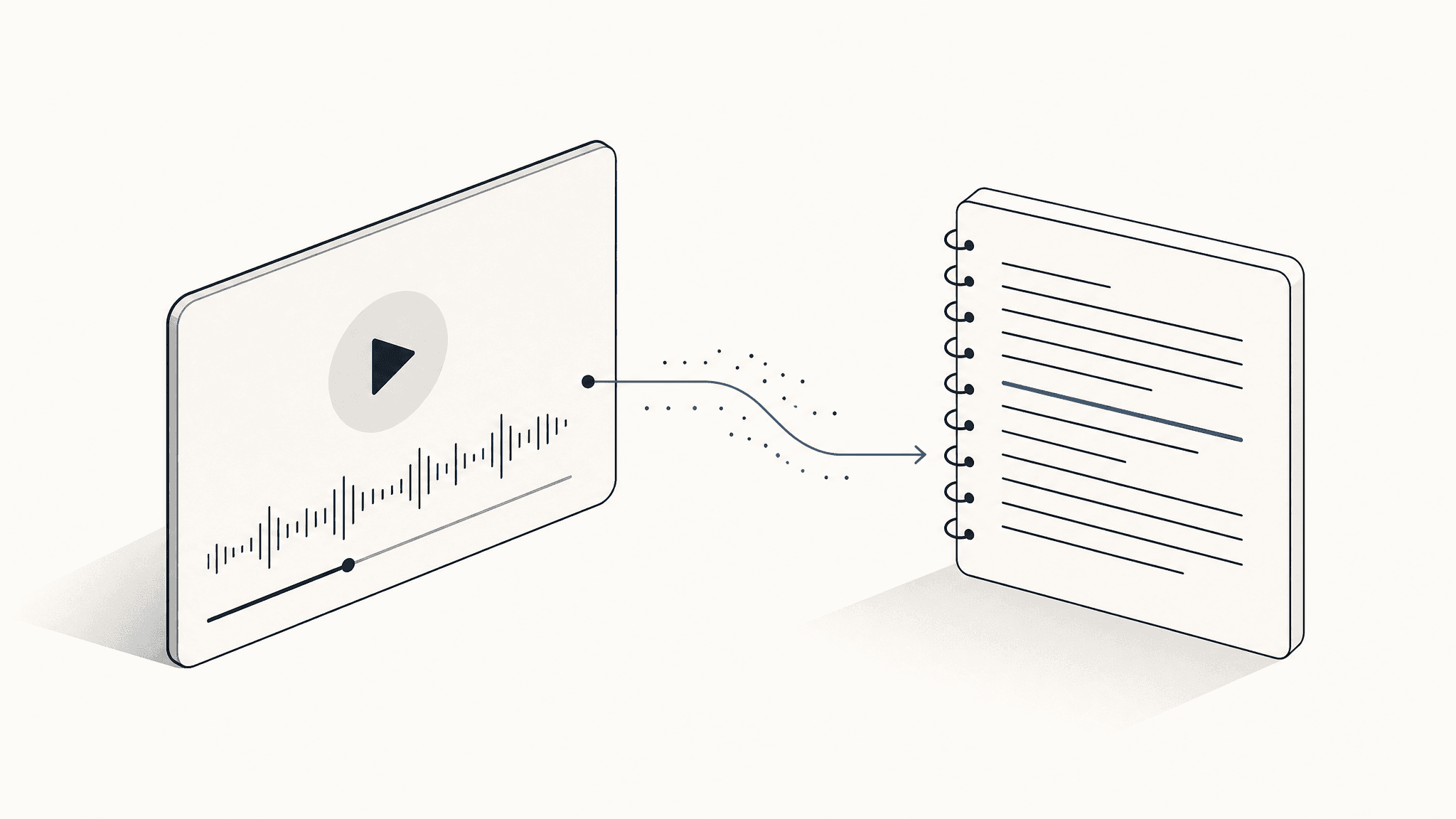
Upload a local file, or paste a YouTube, TikTok, Douyin, or Bilibili link. Whisper-grade AI returns clean, time-stamped transcripts you can paste, search, or hand to your editor.
- 30 free minutes / month
- 99+ languages
- Files processed locally · never stored
02 — Built for creators
Thousands of hours of video transcribed for content creators worldwide
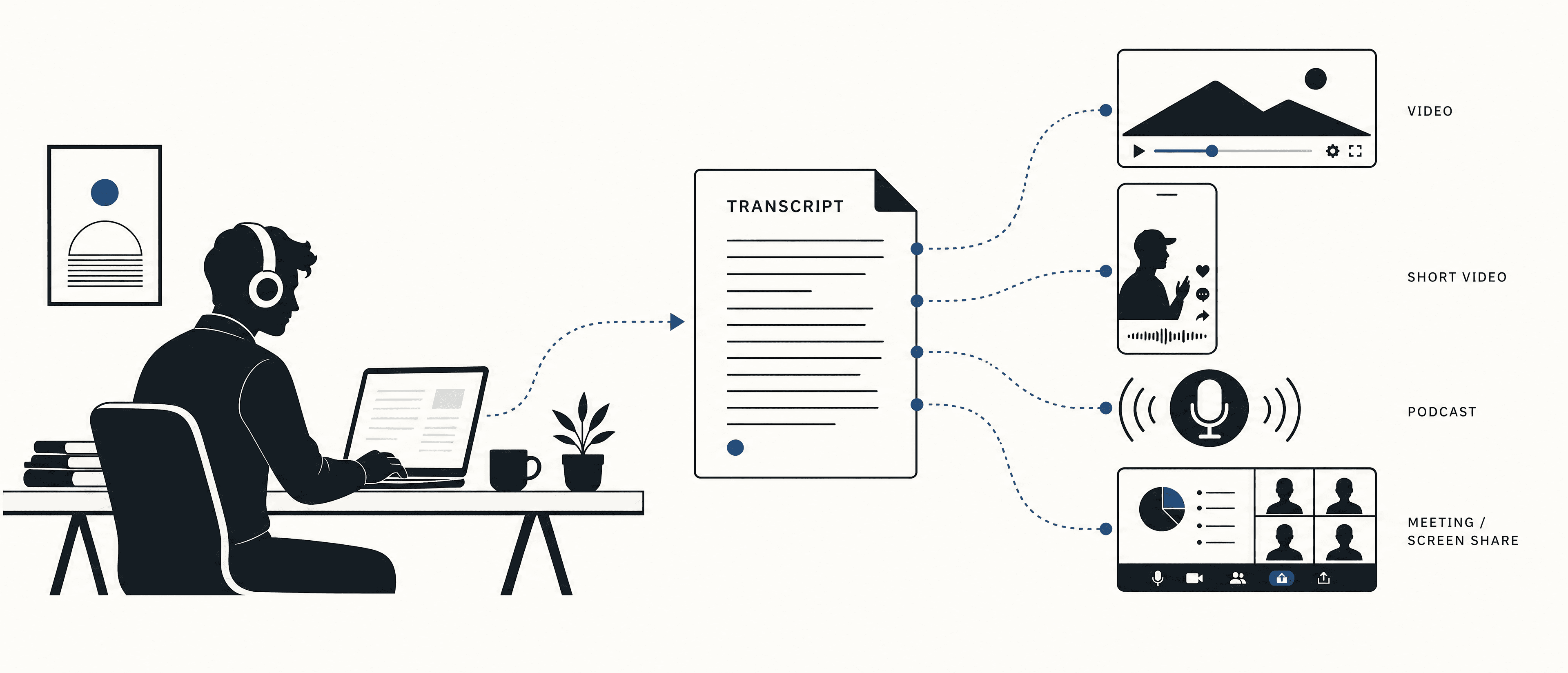
Works with: YouTube · TikTok · Douyin · Bilibili · Vimeo · Zoom · Google Meet · Apple Podcasts · local MP4 / MP3 / WAV
03 — What we offer
Why Scribeify
We do one thing — make audio and video searchable, editable, and reusable.
 01 / 03
Works across every platform
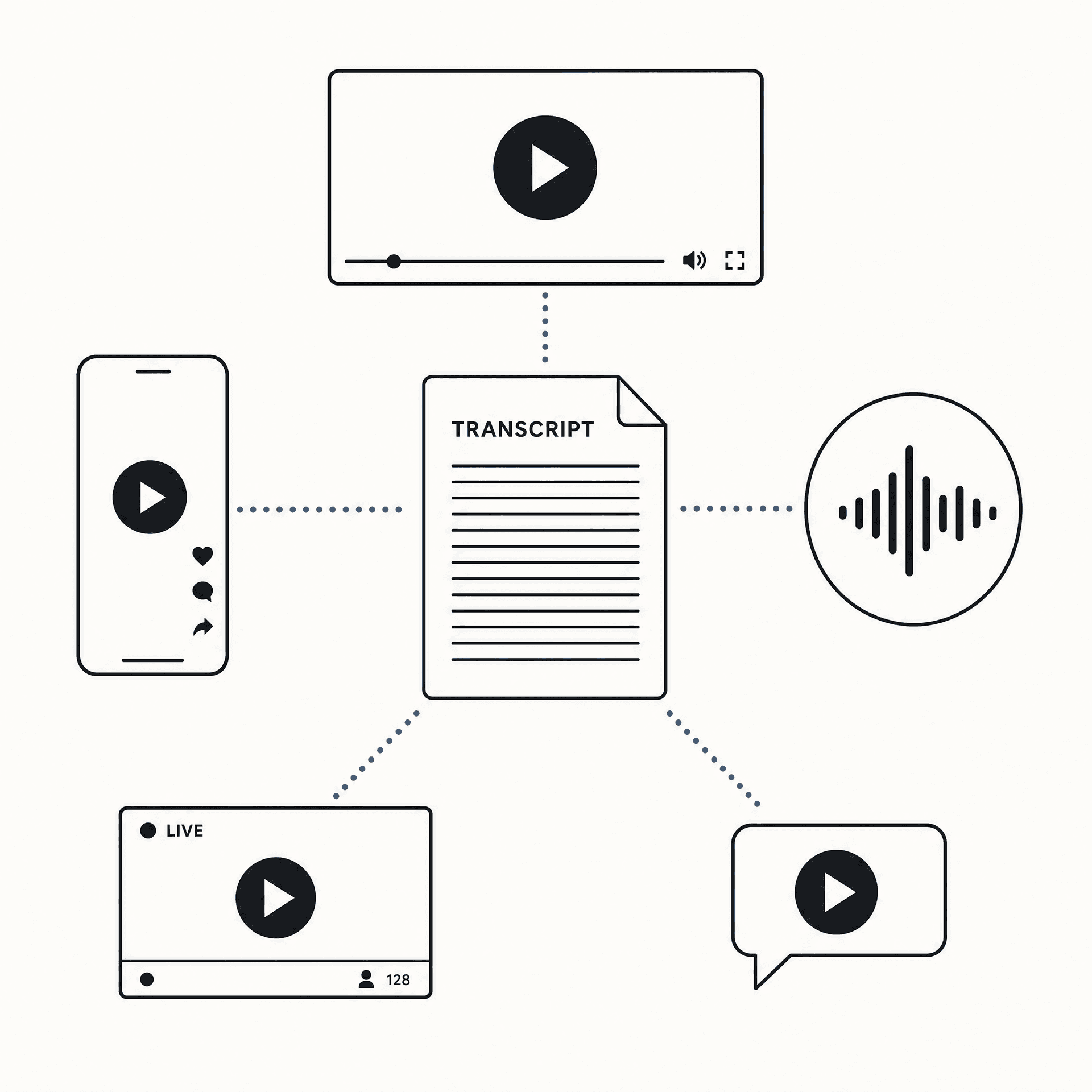
Paste any link to start. We support YouTube, TikTok, X, Douyin, Bilibili, Xiaohongshu, Vimeo, Apple Podcasts, and more — we fetch the audio for you, no manual download required.
 02 / 03
Massive local files, fast
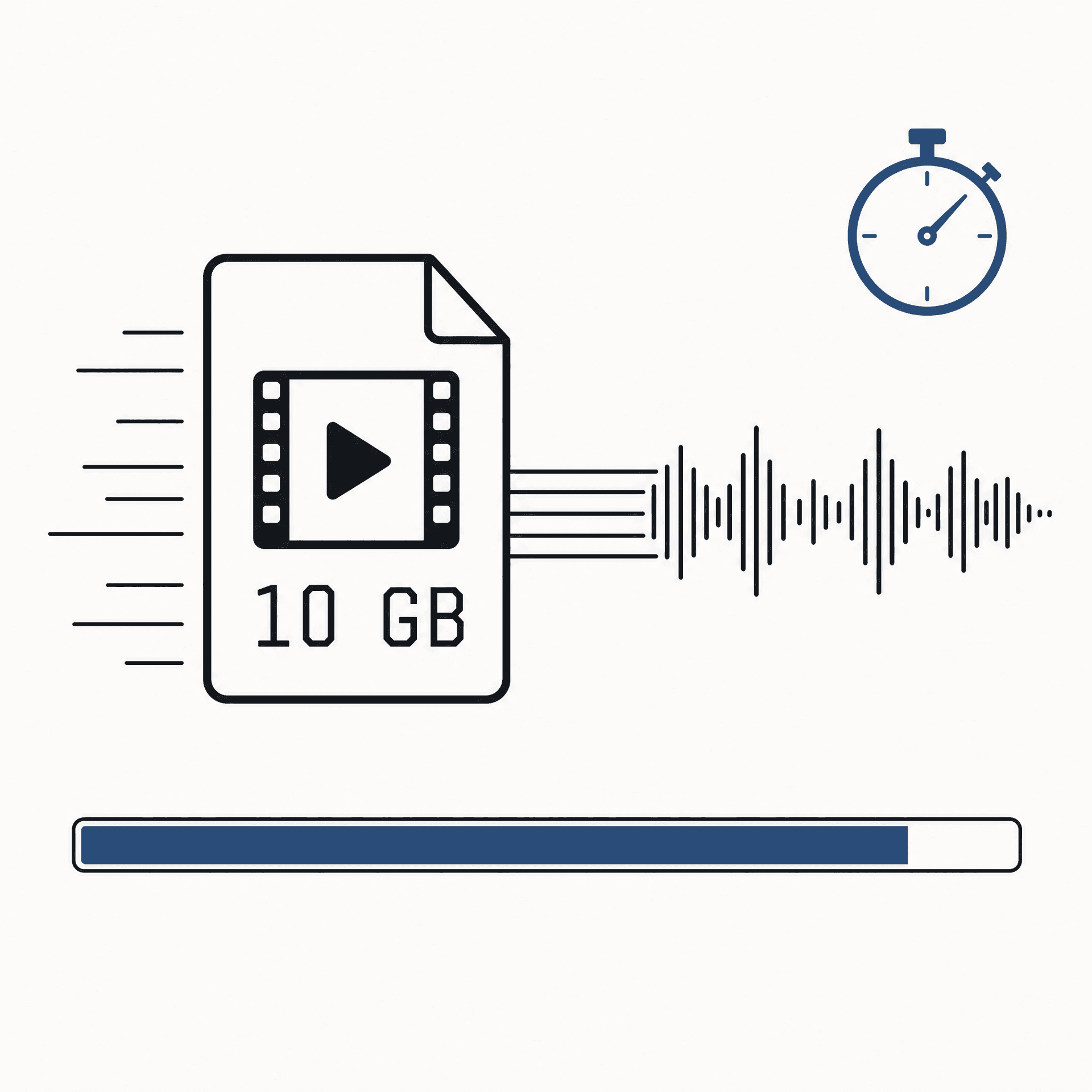
Up to 10 GB per video. WebAssembly FFmpeg extracts the audio in your browser — the full video never uploads to our servers, and a 10-minute clip is typically transcribed in 60 seconds.
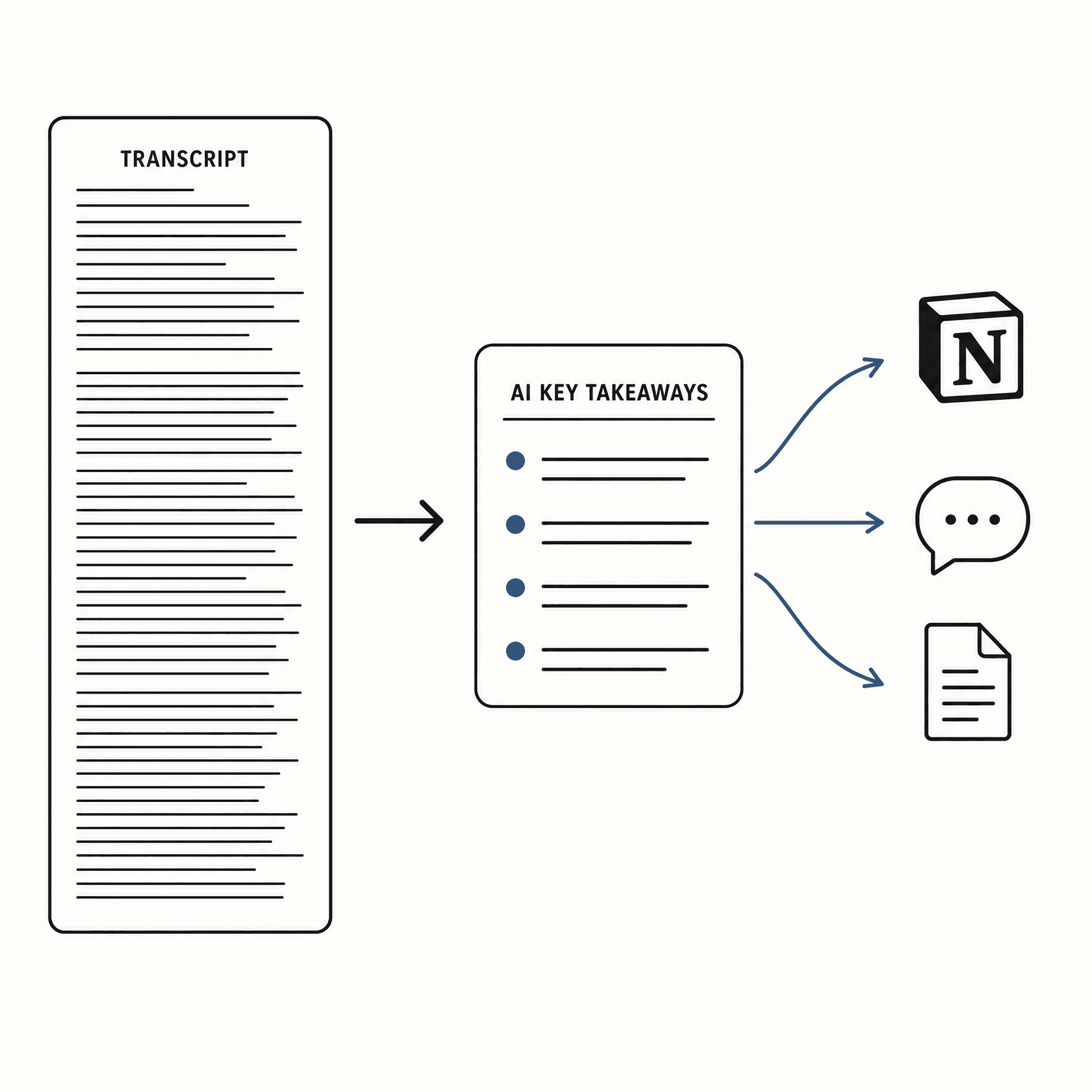 03 / 03
AI summary and one-click share
After transcription, AI generates meeting notes, video summaries, and key takeaways. Copy them straight to Notion, Lark, or your team chat. Source to deliverable, in one loop.
04 — How it works
How transcription works
Three steps, ten-minute videos finished in about a minute.
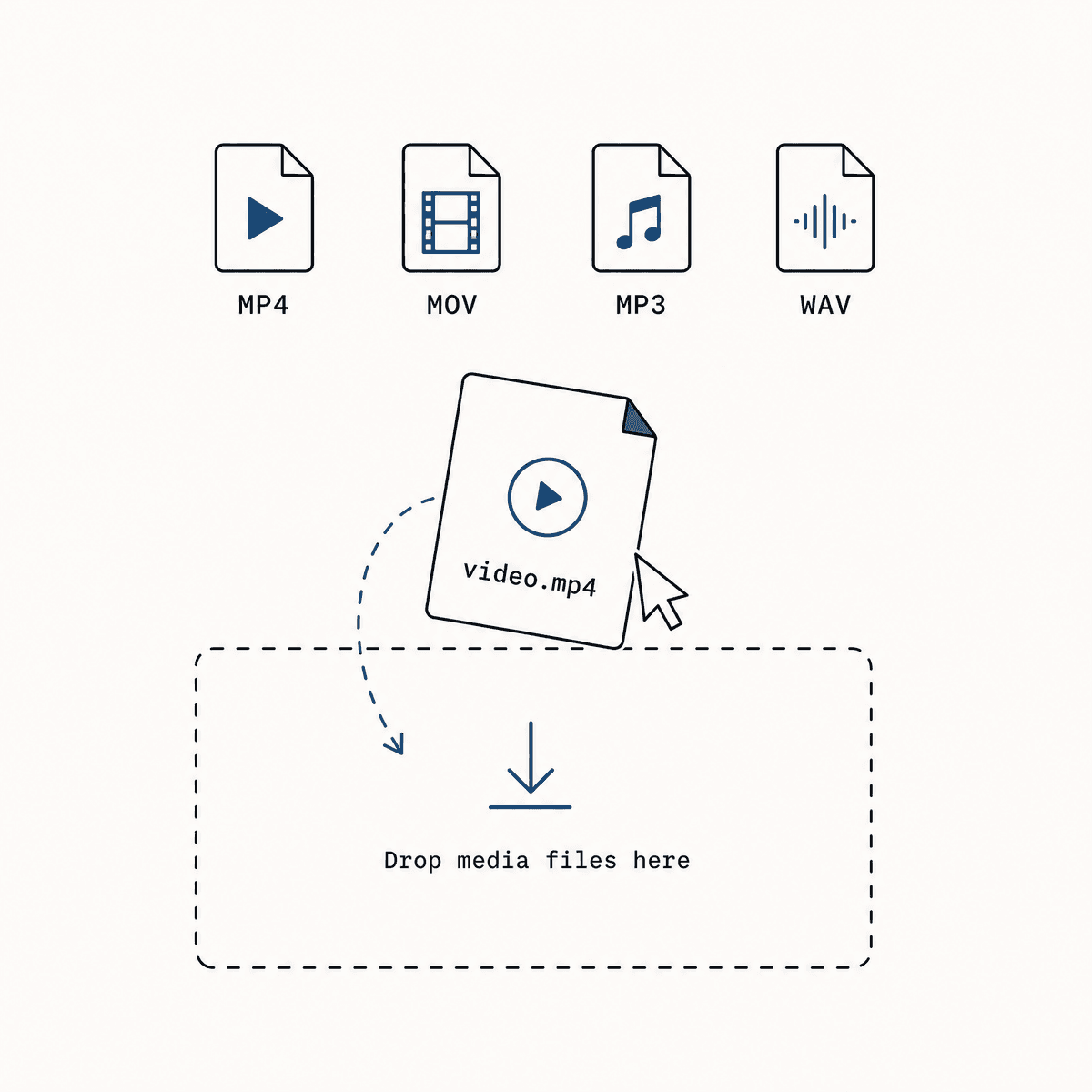 01 / 03
Upload or paste
Drag in a local MP4 / MOV / MP3 / WAV, or paste a YouTube, TikTok, or Douyin URL. No format conversion needed.
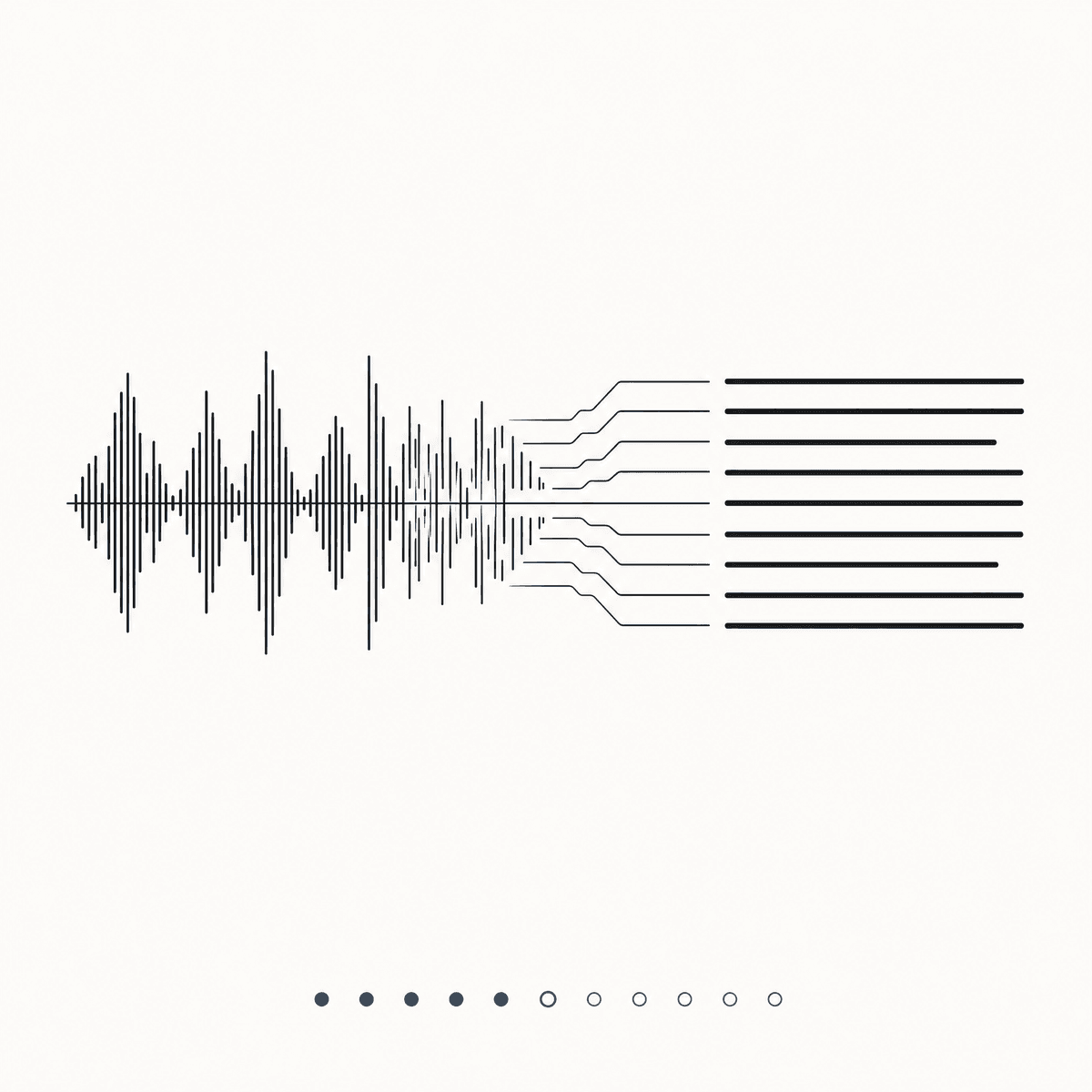 02 / 03
AI transcribes
Audio is extracted in your browser, then sent to a Whisper-grade engine. You see real-time progress while it works.
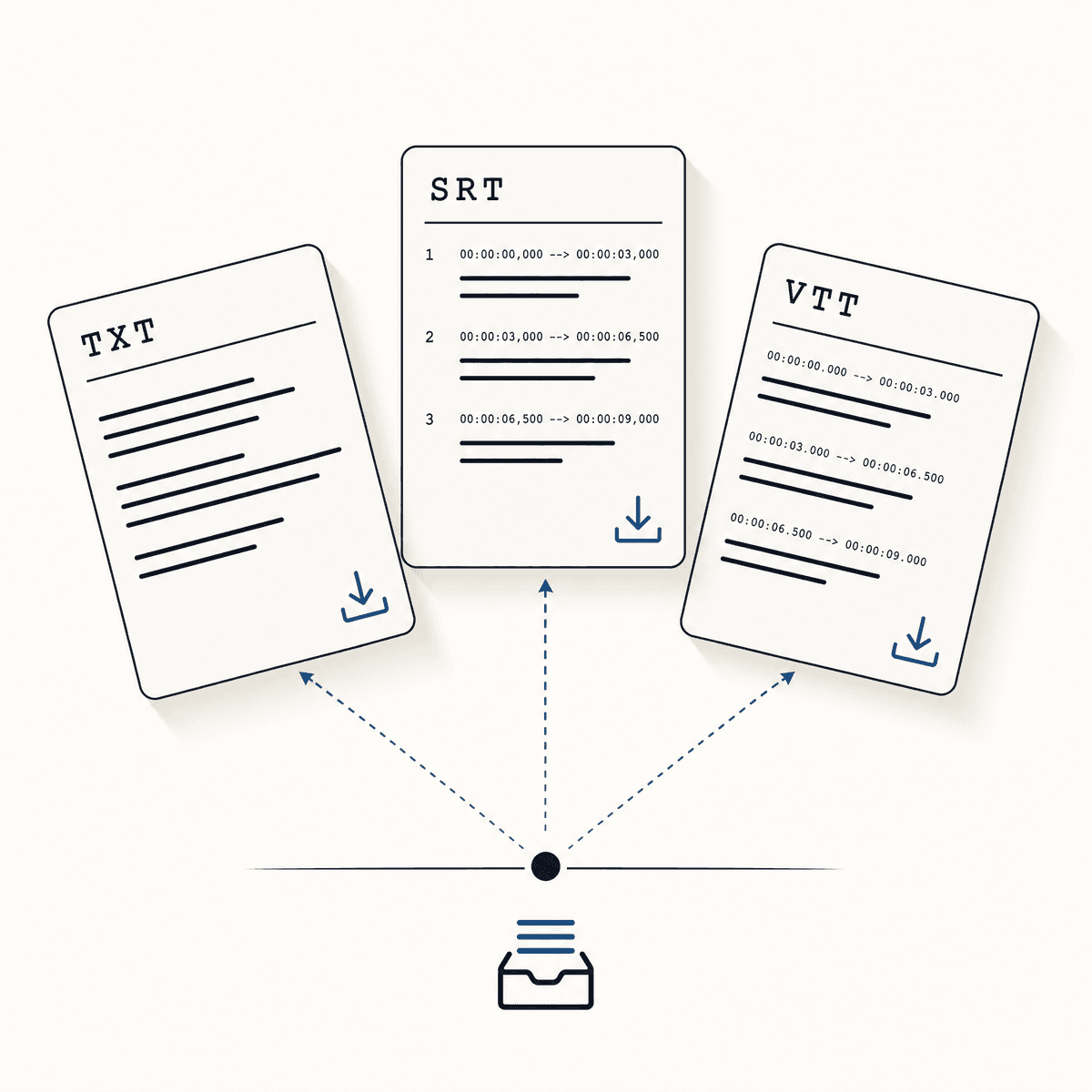 03 / 03
Copy or export
Plain text (TXT), subtitles (SRT or VTT) with full timestamps. Copy to clipboard or download — your call.
05 — Real feedback
What creators say
From people who transcribe on Scribeify every week.
“I cut 8 YouTube videos a week. Scribeify gives me a frame-accurate SRT in 60 seconds — the captioning step finally stopped being the bottleneck.”
“TikTok scripts mix English and Mandarin and the AI keeps up with the code-switching. The VTT drops straight into CapCut — almost no manual fixes.”
“Used to spend 4 hours per episode cleaning up an interview transcript. Now I just glance through to mark speakers and ship.”
06 — Questions
Frequently asked questions
A five-minute read covering everything you might ask. If you can't find what you need, drop us a note.
No. We extract the audio track in your browser using WebAssembly FFmpeg, send only the audio segments to the transcription API, and return the result directly to your browser. We do not retain a copy of your file on our servers.
Local upload supports MP4, MOV, AVI, MKV, and WebM video, plus MP3, WAV, M4A, AAC, OGG, and FLAC audio. Link mode covers YouTube, TikTok, Douyin, Bilibili, and most major platforms.
Free plan includes 30 minutes of transcription per month — no watermark, full timestamp export. Pro plan unlocks 600 minutes/month, 8-hour single files, and speaker diarization.
We use models in the Whisper Large V3 class. On clean recordings in English, Mandarin, or Japanese, character-level accuracy typically exceeds 95%. Noisy environments and heavy dialects degrade gracefully.
99+ languages with automatic detection — including Mandarin (Putonghua + Cantonese), English, Japanese, Korean, Spanish, Portuguese, Arabic, Hindi, Russian, and more. No need to pre-select.
Plain text (TXT), SRT (the standard subtitle format), and VTT (web video standard). SRT and VTT include full timestamps and import directly into CapCut, Premiere, Final Cut, and other editors.
No. Everything runs in your browser (Chrome, Safari, Edge, Firefox). On first use, your browser downloads ~30 MB of FFmpeg.wasm — after that, it works offline.
Free: up to 30 minutes / 100 MB per file. Pro: up to 8 hours / 2 GB. For longer content, we suggest splitting before upload.
About Scribeify
Scribeify is an AI transcription platform built for content creators worldwide. We believe good tools should be restrained, accurate, and trustworthy: keep files on your device, keep pricing transparent, and push transcription accuracy to its limits. We serve YouTubers, TikTokers, podcasters, journalists, and researchers across 80+ countries.
Ship faster — let your video become editable text
30 free minutes · no credit card · files stay in your browser
Start transcribing